Office & Productivity Buying Guides — Research & Comparisons
Use these office and productivity guides to compare fit, adjustability, desk space, compatibility, and the trade-offs that matter during a normal workday. Evidence varies by guide. A sourced comparison and a hands-on test provide different kinds of evidence. Check the methods and sources in the guide before treating a recommendation as a tested result. Check dimensions and setup requirements before relying on a recommendation. For desk lighting, read our guide to lumens versus lux before comparing lamp output. For video calls, read our 1080p vs 4K webcam guide before choosing a camera.
Showing all 7 Office & Productivity guides currently published.
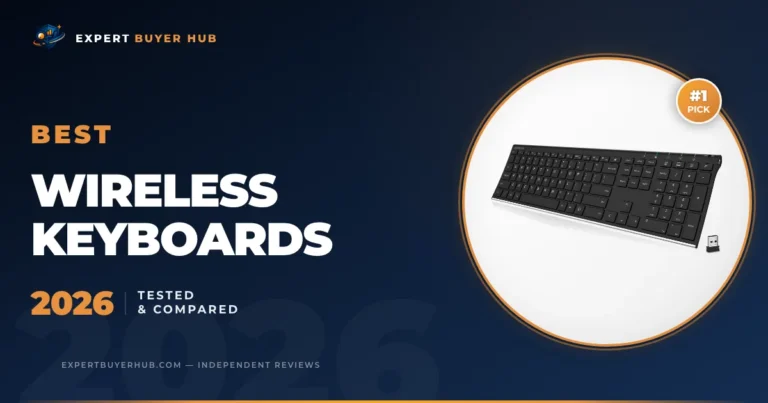
We compared five wireless keyboards for work, typing comfort, battery life, layout, noise, multi-device use, and desk setup. These are the picks we would buy in 2026.
We compared five desk lamps by documented light output, mounting limits, controls, adjustability, and intended use. See the trade-offs before choosing one.
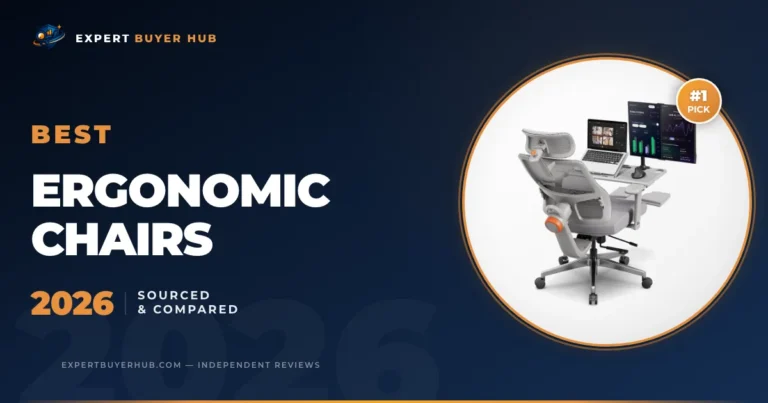
We compared four ergonomic office chairs using current manufacturer information, adjustability, workstation fit, and clear reasons to choose or skip each model.
Before choosing office equipment, compare the exact model, dimensions, adjustment range, mounting requirements, and compatibility. A specification sheet can describe a product, but it does not show how it performed in an EBH test. Read more about our full methodology.
Frequently Asked Questions
What should I upgrade first in a home office?
Upgrade the item causing the most daily discomfort. For many people that is the chair, monitor height, keyboard, lamp, or desk surface. A small ergonomic fix can matter more than a flashy gadget.
How much should I spend on office gear?
Spend more on anything you touch for hours: chairs, keyboards, desks, and monitor arms. You can usually save on accessories that do not affect posture, typing, lighting, or screen position.
Are premium office products always better?
No. Premium products can be worth it for adjustability, stability, and long warranty support, but some mid-range picks give better value for normal home work. Our guides separate comfort upgrades from brand premiums.
What makes an office product a bad fit?
The most common misses are wrong size, poor adjustability, noisy operation, weak clamps, or features built for a different workflow. We try to spell out who should skip each pick.