Use these technology guides to compare compatibility, connections, desk space, battery needs, and the trade-offs that affect daily use. Evidence varies by guide. Some pages rely on manufacturer documentation and official support material; hands-on claims appear only when an article documents the test. Check the method and exact model before relying on a recommendation. For video calls, read our 1080p versus 4K webcam guide before choosing a resolution.
Showing all 7 Technology guides currently published.
We compared five wireless keyboards for work, typing comfort, battery life, layout, noise, multi-device use, and desk setup. These are the picks we would buy in 2026.
We compared five noise-canceling headphones using exact-model manufacturer documentation, connection options, stated battery conditions, listening modes, and portability.
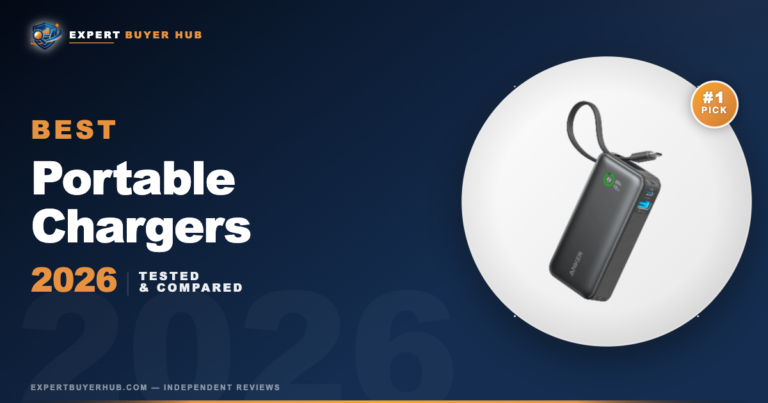
We tested 20+ portable chargers and power banks to find the best options for every budget. See our expert ratings, pros & cons, and find the right power bank for your…
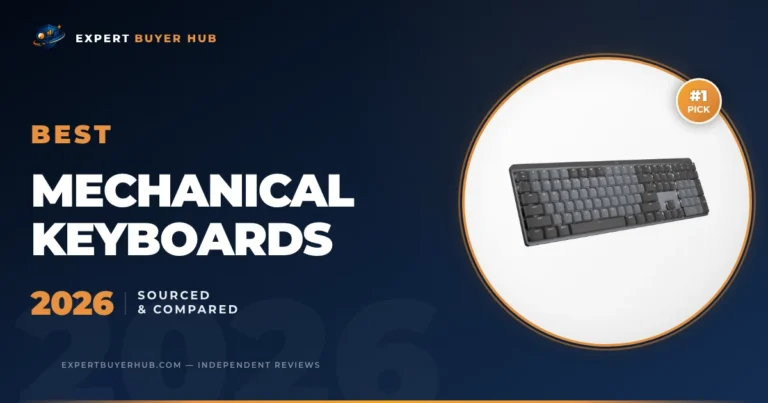
We compared five mechanical keyboards using exact-model manufacturer documentation, layout, connectivity, switch implementation, programmability, and practical limitations.
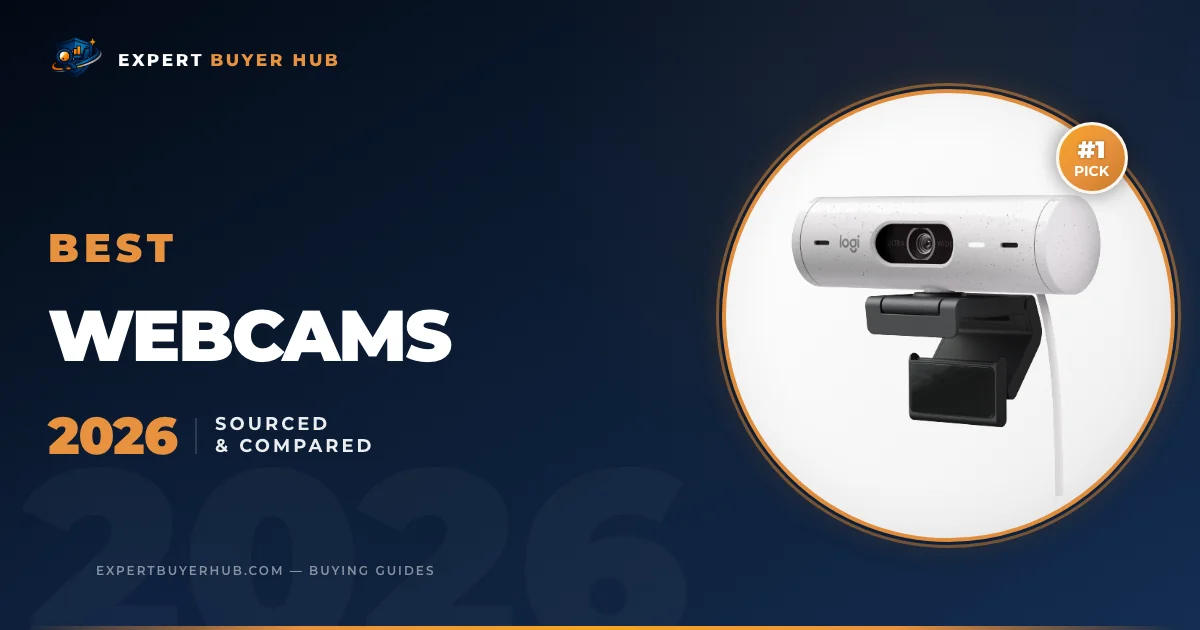
We compared five webcams using current manufacturer documentation, including resolution, frame rate, focus, microphones, privacy controls, software requirements, and connection type.
We check exact-model documentation, device and operating-system compatibility, connection requirements, support information, and practical limitations. When a controlled test log is not available, the guide says so and stays documentary. Read more about our full methodology.
Frequently Asked Questions
How should I choose between EBH technology guides?
Start with the job the product needs to do. A travel monitor, a webcam for calls, a keyboard for long writing sessions, and noise-canceling headphones all solve different problems. Use the guide that matches your setup first, then compare price and comfort features.
Do cheaper tech accessories usually hold up?
Some do, but the trade-off is usually build quality, ports, battery life, or support. We flag the budget picks that keep the core function solid instead of chasing every extra feature.
What specs matter most for everyday tech buys?
Compatibility, connection type, return policy, and daily comfort usually matter more than headline specs. For office tech, we also look at cable clutter, desk footprint, setup friction, and whether the product works across common laptops and operating systems.
How often are these technology picks reviewed?
We refresh technology guides when product lines change, a strong new model appears, or buyer feedback shows a reliability pattern we should account for. Fast-moving categories get checked more often than simple accessories.